
My eBook Looks Wrong After Kindle Conversion
Repair a Kindle edition that looks wrong after conversion and prepare a clean reflowable file.
Using your fillable PDF: for the best experience on iPhone or iPad, open the downloaded file in the free Adobe Acrobat Reader app. Apple’s built-in PDF preview may not support all interactive fields and links.
What it fixes
- Paragraphs that change shape or size.
- Indents and spacing that behave differently from the source file.
- Images that move, resize or break the reading flow.
- Print-only formatting that does not belong in a reflowable eBook.
This Micro Fix helps you isolate the source problem, clean the file and check the converted result across the available previews.
Look inside
A look at the fillable record sheet from this Micro Fix. Select it to enlarge.
- 13 pages
- Fillable PDF with tick-boxes and record fields
- Instant download
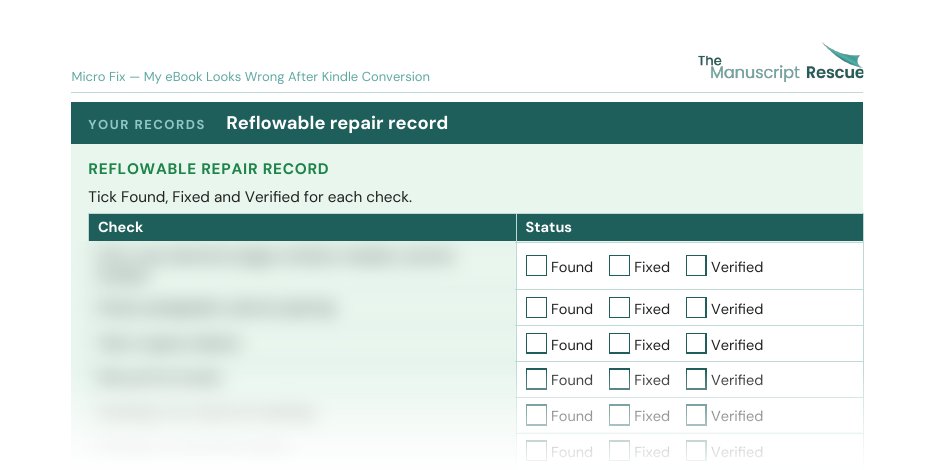
Check descriptions blurred in this preview.
More than one problem? Get all 56 fixes.
Related products



Amazon, Kindle and KDP are trademarks of Amazon.com, Inc. or its affiliates. IngramSpark and Draft2Digital are names or marks of their respective owners. The Manuscript Rescue is independent and not affiliated with or endorsed by Amazon, IngramSpark or Draft2Digital.